Simplify your digital marketing: systems that save time and reduce admin
You've got content ideas, a half-written email, a reminder to post on Facebook and five client messages waiting. When each task sits in a different app, it is easy to lose track of what needs your attention next.
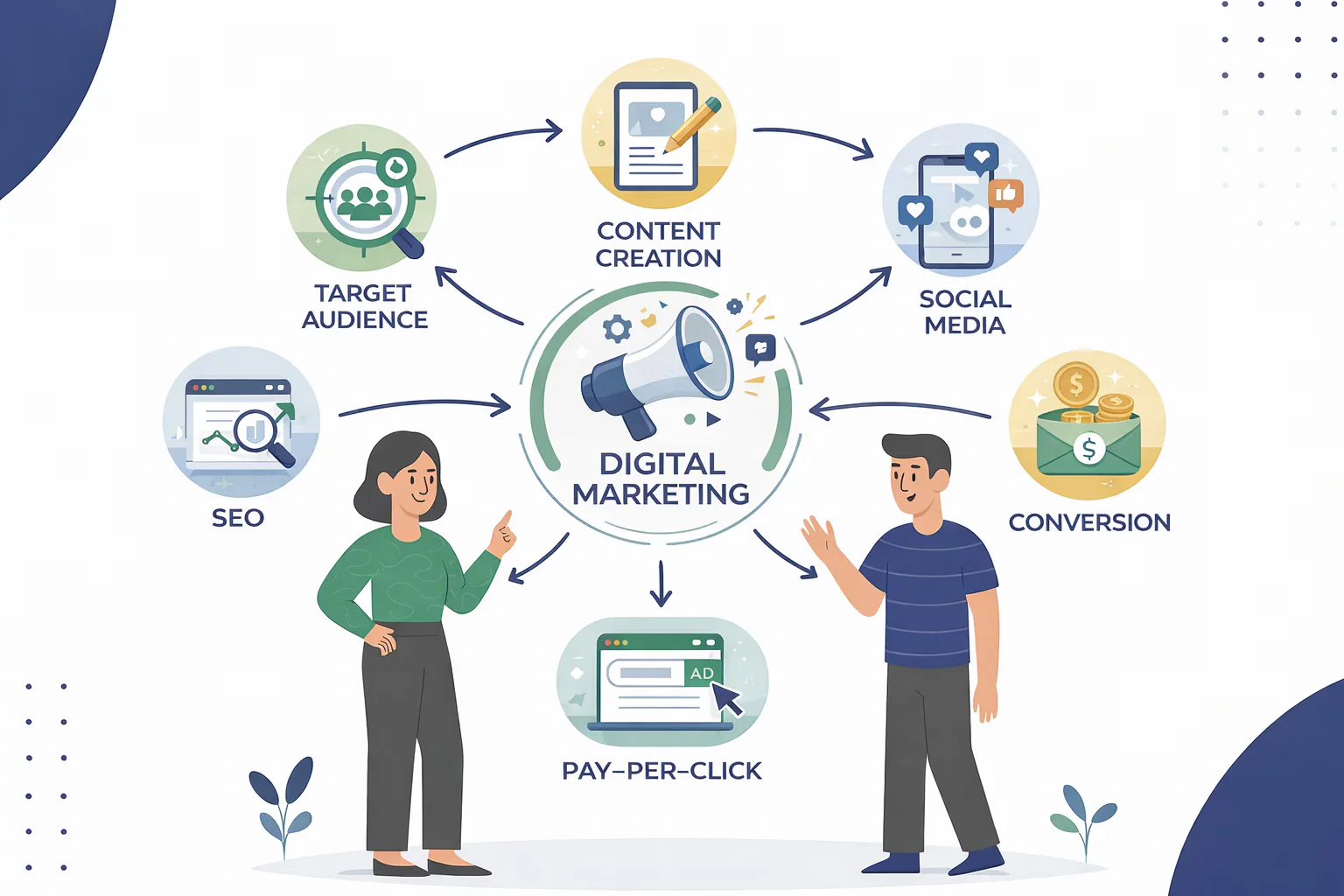
You might be updating a landing page, reviewing pay-per-click (PPC) advertising or replying to customers. A shared workflow helps you see how those tasks support the same campaign, who owns each one and when it needs to happen.
This article shows you how to organise your digital marketing tools, reduce repeated admin and check whether your new setup saves time.
Give each digital marketing tool a clear role
Give each tool a defined job: one place to plan content, one customer record to update and one way to track campaign results. Start with the tasks you repeat most often.
Think of it as restructuring your digital workspace so every tool, piece of software, and app has a clear role in your workflow.
A strong system does three things:
- Shares information between supported tools, so you spend less time copying customer or campaign details between social channels, search engine optimisation (SEO), PPC and email reports.
- Automates repetitive admin so follow-ups, reports, and customer touch points happen consistently.
- Removes duplicate records and unused tools, leaving more time for writing, customer conversations and campaign planning.
With clear owners and deadlines, you can check whether campaigns run on schedule and whether follow-ups reach the right people.
Find repeated tasks and delays in your marketing
Follow one recent campaign from its first idea to publication and follow-up. Note which tools, folders and people were involved, where you copied information and where a task waited for someone to act.
Ask yourself:
- Where do I repeat myself, manually posting to different social channels or copying data between platforms?
- Where does information live, across too many documents, apps, or dashboards?
- What keeps getting delayed, blog posts, newsletters, campaigns, or follow-ups with potential customers?
Use your answers to choose one repeated task to improve. Agree the steps and the person responsible before adding automation; otherwise an unclear process can create the same mistakes more quickly.
Build five practical digital marketing workflows
Choose the workflow that addresses your biggest delay first. You can connect the others as you learn what your team actually needs.
Keep content ideas and publication dates on one board
Start with one home for ideas, writing, scheduling, and campaign planning. When you can see everything in one place, content across Facebook and other social channels stops feeling random.
For each item, record the intended audience, channel, owner, status and publication date. Link to the draft so your team can find the current version.
Plan email follow-ups around sign-ups and bookings
Create short, relevant email sequences for people who sign up for updates, request a download or book a call. Decide what information each person needs next and when a reply should go to you or your team.
A booking confirmation can explain how to prepare for the call; a requested guide can be followed by a related example. Review the messages and timing before switching the sequence on.
Connect routine client onboarding steps
Replace back-and-forth emails with one clear workflow: enquiry form → welcome message → shared folder → invoice → project timeline.
Integration tools such as Zapier or Make can pass information between supported forms, calendars, customer relationship management (CRM) software and payment tools. Decide which steps can run automatically and which need your approval, such as agreeing a project scope or invoice amount.
Test the workflow with a sample enquiry and check what happens if a required detail is missing or a step fails.
Bring website and campaign results into one dashboard
If your SEO data, PPC performance and social engagement sit in separate tabs, bring the measures you regularly use into a shared report. Choose the questions first, such as which campaigns lead to enquiries.
Google Looker Studio can bring together supported data sources such as Search Console and Google Analytics; Google explains how to compare those sources. Metricool also offers reporting for connected social and advertising accounts. Check the connections each tool supports before choosing one.
Use the same date ranges and define what counts as a conversion, such as a completed enquiry form. A dashboard helps you compare results, but you still need to investigate why they changed.
Use AI to draft and repurpose marketing content
AI can help you summarise blog posts, repurpose podcast scripts, draft social updates or refine campaign messaging. Supply your source material, audience and writing preferences, then review each draft for accuracy and tone.
HelixScribe Create supports this workflow with a saved brand profile, source material and editable marketing drafts. You review and approve the writing preferences that should guide future work.
You still contribute the expertise, customer relationships and final decisions. Use AI for a repeatable drafting step where it saves useful time after review.
Check that your marketing channels support the same campaign
For a single campaign, check that your content board, website page, social posts and follow-up emails use the same offer and next step. Give each task an owner so updates reach every relevant channel.
For example, a new service page can be supported by related search content, social posts and PPC ads. Track visits and enquiries where your reporting allows, then compare those results with the time and advertising budget used.
A weekly review can then focus on unfinished tasks, unanswered enquiries and the next campaign decisions.
Keep your digital marketing workflows reliable
A few guiding rules make a real difference:
- Do not automate chaos. Organise first.
- Stick with one core set of software long enough to measure performance properly.
- Remember that systems create efficiency after setup, not before.
Keep a short note of how each workflow works, who owns it and how to complete the task manually if an integration stops working.
Check whether your marketing system saves time
Before changing a workflow, note how long it takes and which mistakes or delays recur. After setup, compare the time spent on the same task, including checking automated work and fixing errors.
Also check whether campaigns launch on schedule and enquiries receive timely replies. Track engagement and conversions separately; saving admin time does not by itself prove that sales have improved.
Use the time saved for customers and creative work
If your setup reduces repeated admin, use that time for customer conversations, stronger source material and campaign planning. Those activities give you something useful to communicate through the system.
Start by choosing one workflow that repeatedly takes too long. Map its steps, improve the handover between people and tools, and measure the result before expanding it.
If your existing tools cannot support the workflow you need, our custom AI and systems work can help you plan a connected setup. Read AI-enabled systems that combine automation with human input for examples of where people review and guide the process.
Explore free guides, checklists and templates