How to introduce AI without breaking your workflows
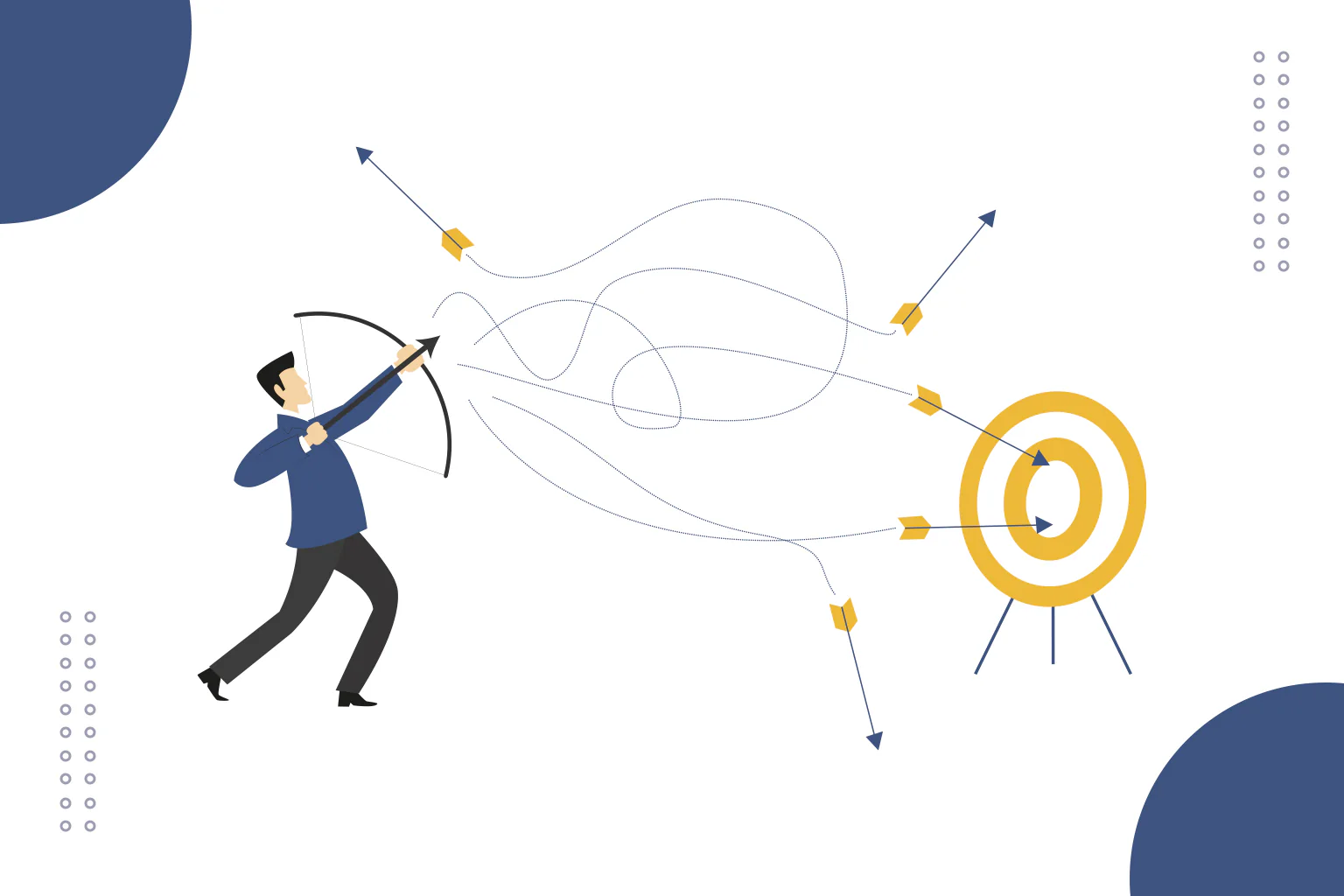
AI should make the workflow calmer, not more chaotic
Introducing AI into a business workflow can look deceptively simple. Pick a tool, give people access, write a few prompts, connect an automation, and watch the time savings appear.
In practice, the difficult part is rarely the tool. The difficult part is fitting AI into the way work already moves through the business without creating confusion, duplication or hidden manual checking.
AI can speed things up. It can also quietly add another layer of admin if nobody has designed the process around it.
A useful AI workflow answers practical questions: where does the information come from, what does AI do with it, who checks the result, where does the final version go, and what happens when the output is wrong?
Start with the workflow, not the tool
The safest way to introduce AI is to start with one real workflow.
Choose something specific, such as turning meeting notes into actions, producing a first draft of a blog post, summarising customer feedback, organising research notes, triaging support questions or checking website content against a checklist.
Then map the process as it works now:
- what starts the task
- what information is required
- who currently does the work
- where delays happen
- where judgement is required
- where the final output is stored or sent
This stops AI being added as a novelty layer. The question becomes more useful: which part of this workflow could AI support without weakening the whole process?
Pick one AI role at a time
AI can summarise, classify, draft, compare, extract, suggest, translate, reformat, monitor and generate. That does not mean one workflow should start with all of those jobs.
Give AI one clear role first.
For example:
- summarise long notes into key themes
- turn a transcript into a structured first draft
- suggest internal links for a blog post
- extract repeated customer questions
- compare a page against a brand or SEO checklist
A narrow role is easier to test. It is also easier for the team to understand where the AI helps and where human judgement remains responsible.
Keep the human handover visible
Many AI workflows fail because the handover is fuzzy.
Someone asks AI for an output. The output is copied somewhere else. Another person edits it. A decision gets made. Nobody is quite sure what changed, what was checked, or whether the source material was reliable.
Design the handover explicitly:
- AI produces a draft, summary or recommendation.
- A named person reviews it.
- The reviewer checks specific risks, not just grammar.
- The approved output is saved in the right place.
- Any issues are fed back into the workflow.
That review stage turns AI output into business-ready work.
Protect the source of truth
AI can become messy when people use it as the source of truth instead of a tool that works from one.
Before AI enters the workflow, decide which information it should rely on. That might be a CRM, a website, a product document, a shared drive, a knowledge base, a transcript, a content brief or a spreadsheet.
Then decide what happens when information conflicts. If the website says one thing and the internal notes say another, should AI choose, flag the conflict, or stop?
For important workflows, the best answer is usually to flag uncertainty rather than invent a confident bridge between messy sources.
Build a small pilot before scaling
A pilot gives the workflow space to fail safely.
Run AI on real examples, not perfect demo material. Include awkward cases: missing information, messy formatting, unusual customer questions, outdated source material and edge cases where a person would normally pause.
Track what happens:
- Where does AI save time?
- Where does it create extra checking?
- Which mistakes repeat?
- Which prompts or source materials improve the output?
- Which tasks still clearly belong with a person?
The pilot should produce a decision: scale it, change it, limit it, or stop.
Define the quality bar
“Looks good” is not a quality standard.
Before AI output becomes part of the workflow, define what acceptable looks like. For a content workflow, that might include accuracy, brand voice, source use, structure, clarity and whether claims are supportable. For an operational workflow, it might include completeness, correct categorisation, risk flags and audit trail.
Quality checks should match the risk of the task. A rough internal brainstorm can stay lightweight. Customer-facing content, compliance-sensitive summaries or business-critical analysis require more careful review.
Give people permission to challenge the output
It is surprisingly easy to become deferential to AI when the output sounds polished. That is dangerous.
Introduce AI with a clear expectation that people should challenge it. Look for missing context, invented details, overconfident phrasing, poor assumptions and anything that feels too generic to be useful.
This is especially important in marketing, consulting, technical communication and customer support, where a confident but bland answer can still damage trust.
Plan what happens when the workflow breaks
Every workflow needs a failure plan.
Decide in advance:
- who owns the AI workflow
- how issues are reported
- when outputs should be escalated
- how the workflow can be paused
- how to revert to the previous process if needed
- how lessons are documented
Rollback sounds dramatic, but in practice it is just sensible systems design. If AI starts creating bad output, people should not be trapped inside the automated version of the process.
A practical sequence for introducing AI
- Choose one workflow with a clear pain point.
- Map how the workflow works now.
- Give AI one defined role.
- Decide which data or source material it can use.
- Set review points and ownership.
- Run a small pilot with real examples.
- Measure time saved, quality and risk.
- Improve the workflow before scaling.
- Document the process so others can repeat it.
- Review performance regularly.
AI implementation is workflow design
The businesses that get useful results from AI usually treat implementation as workflow design rather than tool shopping.
A better question than “where can we put AI?” is “where would AI reduce friction without removing judgement, context or accountability?”
That framing keeps the work practical. It also keeps people safer, because AI becomes part of a designed system instead of a loose tool floating around the business.
If you want help introducing AI into your business without turning workflows into spaghetti, explore AI setup and consultancy or get in touch with Claire Nicholson Digital.
Explore free guides, checklists and templates