How to check website accessibility (and fix common barriers)
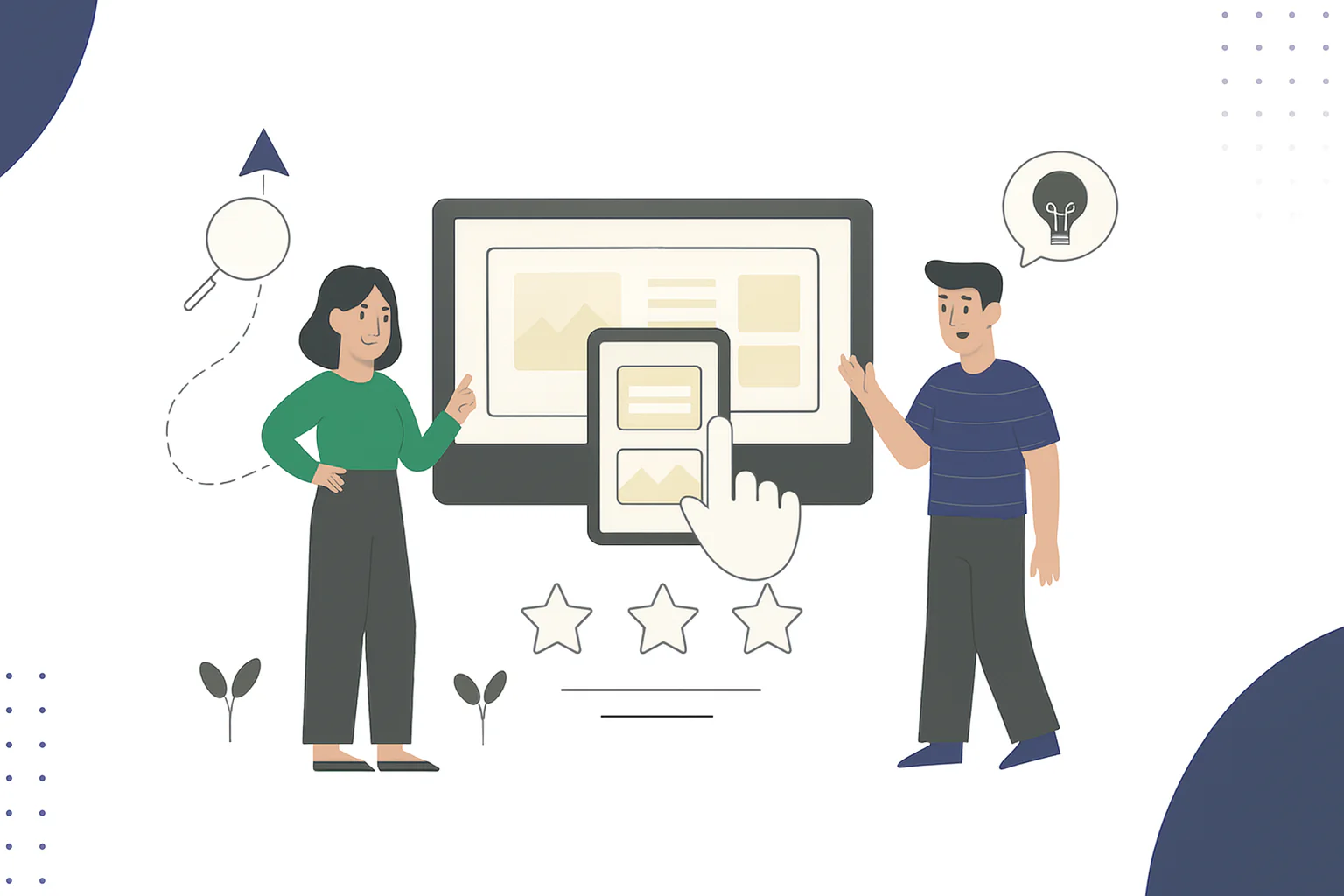
Most people think accessibility is about compliance. In reality, it’s about connection. When your website works for everyone, you reach more people, improve your SEO, and show that your business values clarity and inclusion.
Around 17% of people in the UK have a disability, and many will leave a site within seconds if they can’t read the text, use the navigation, or play a video without sound. Accessibility isn’t a checkbox, it’s good ethics and good business.
What accessibility means in practice
Accessibility is about removing barriers that stop people from using your website. The gold standard is the Web Content Accessibility Guidelines (WCAG 2.1), which focus on making content perceivable, operable, understandable, and robust.
In simple terms, that means:
- People using screen readers can navigate your pages logically.
- Colours and contrasts are readable for everyone.
- Interactive elements like buttons or menus can be used with a keyboard, not only a mouse.
If you want to see how this fits into your site’s overall performance, take a look at 5 elements of a high-performing website for guidance on structure, speed, and conversion design.
Common barriers that lose visitors
Many accessibility issues come from design habits that prioritise looks over usability. Typical examples include:
- Text that’s too small or low contrast
- Missing alt text for images
- Buttons without labels (“Click here” gives no context to screen readers)
- Auto-playing videos or animations that distract from reading
- PDFs that aren’t readable by assistive software
These small oversights can block entire groups of users — and search engines take note. Inaccessible sites with poor structure or missing metadata often perform worse in rankings.
Quick fixes you can implement this week
You don’t need a full website rebuild to make progress and start improving user experience.
Start with practical steps:
- Add descriptive alt text to every image.
- Explain the image’s purpose, not its colour or placement.
- Use heading tags correctly.
- Follow a clear order (H1, H2, H3) to make pages easy to scan.
- Check your site’s contrast.
- Use free tools like WAVE or Google Lighthouse to identify colour issues.
- Test keyboard navigation.
- If you can’t reach a button without a mouse, neither can many users.
- Make links descriptive.
- Replace vague phrases like “Learn more” with “See our Website Refresh service.”
These steps improve SEO too. Google indexes alt text, headings, and link text — the same elements that improve accessibility.
Accessibility as a business advantage
Accessible websites perform better across almost every metric:
- 20–30% more potential customers: Meeting WCAG standards opens your audience to more users.
- Lower bounce rates (15–20%): Clear structure and readable content keep visitors engaged.
- Improved SEO: Google’s ranking algorithm rewards accessible, fast-loading pages.
Accessibility also builds credibility. It signals professionalism and empathy — qualities that influence buying decisions as much as price or features.
Building accessibility into your next redesign
Accessibility isn’t a one-off fix; it’s a mindset to embed from the start.
If you’re planning a refresh, include accessibility in every design sprint. Test with assistive tools, ask real users for feedback, and make accessibility checks part of your QA process.
You can use our Website Essentials Checklist to audit your current setup for usability, speed, and accessibility.
Why checking accessibility improves SEO and user experience
Accessibility means making your message reachable for everyone, no matter how they interact with your site. When your content is inclusive, you expand your reach, enhance your SEO, and establish a reputation for genuine care.
Your website should do more than look good. It should make sense, load fast, and guide people towards what matters. Book your Website Refresh to turn your site into a tool that works as hard as you do.
Explore free guides, checklists and templates